Turn screenshots into simple mockups
Add a macOS window frame, background, and shadow — right in your browser. No Photoshop, no account, no upload.
Drop your screenshot here
or · paste (Ctrl+V)100% private — your images never leave your browser
macOS Window frame
Pixel-perfect chrome with traffic-light buttons, solid or outline style.
Custom backgrounds
Solid colors, gradients, or transparent — with adjustable padding and shadow.
Instant PNG export
Download your mockup at full resolution with one click. No watermark.
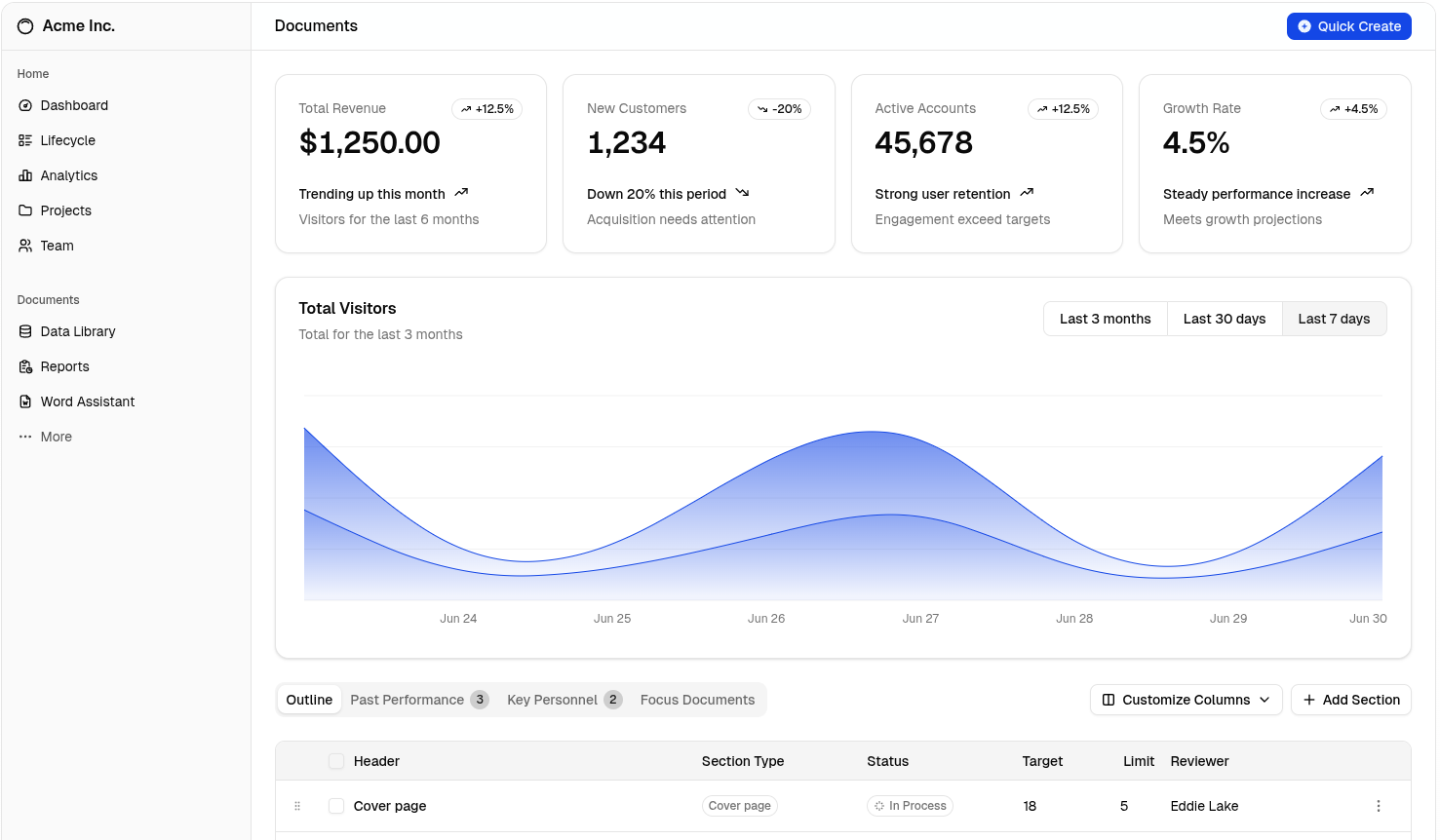
Example output
How it works
- Upload — drop, browse, or paste (Ctrl+V) any screenshot.
- Customize — pick a frame style, background, and shadow.
- Download — export a full-resolution PNG instantly.
FAQ
Is Mocklify free?
Yes — no account, no watermark, no limits.
Are my images uploaded anywhere?
No. Everything runs in your browser. Your images never leave your device.
What formats are supported?
PNG, JPEG, WebP, GIF, BMP. Export is always PNG.
Can I export with a transparent background?
Yes — select the transparent preset before downloading.
Does it work on mobile?
Yes, the tool is fully responsive and works in any modern mobile browser.